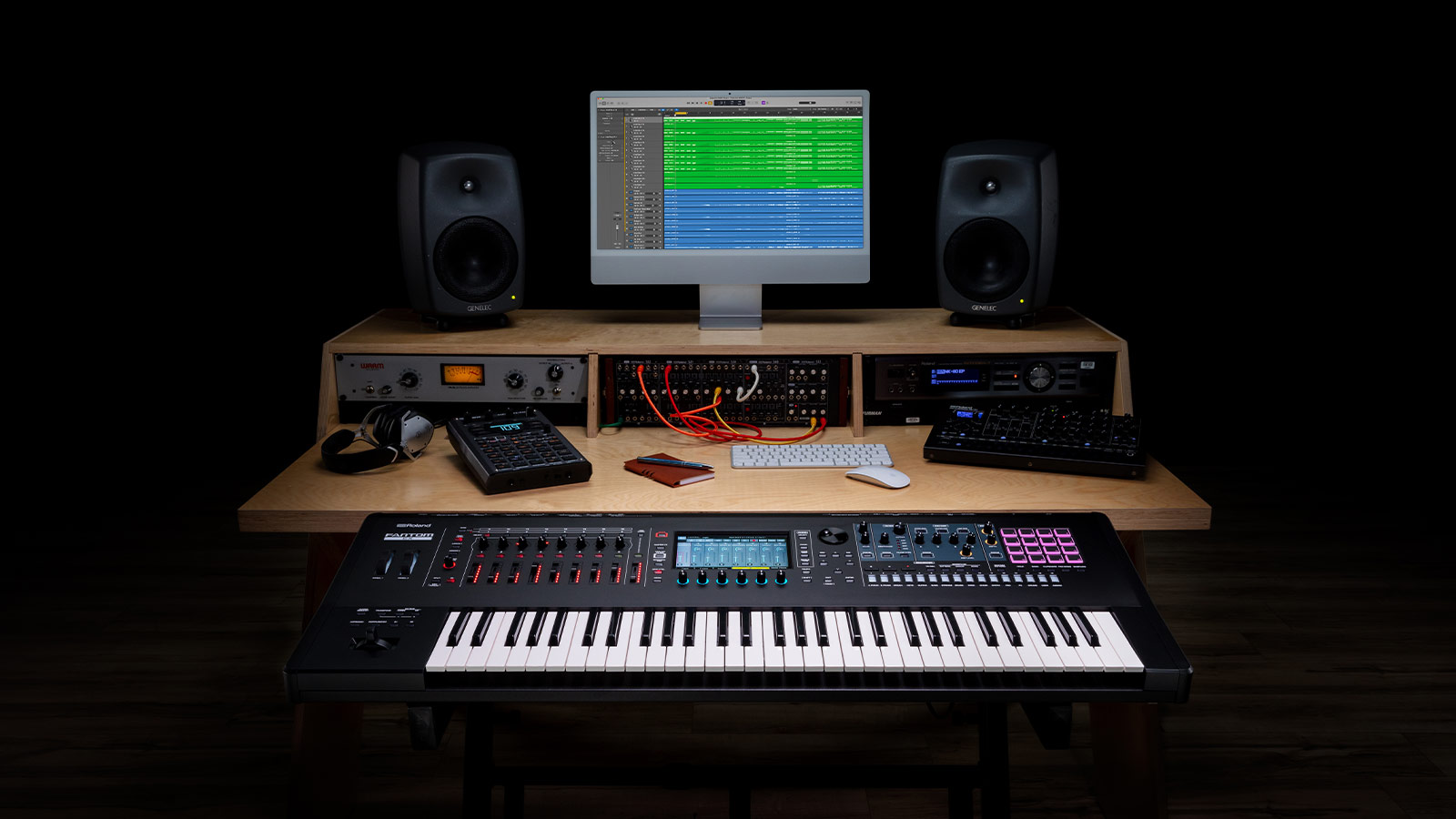
Integrating a professional synthesizer into your production environment or live keyboard rig requires a solid understanding of signal routing. Whether you are deploying a flagship hardware workstation or a compact digital keyboard, establishing clean audio and MIDI paths ensures pristine sound quality and zero-latency performance.
How do you connect a Roland synthesizer to an audio interface?
To connect a Roland synthesizer to an audio interface, run two balanced 1/4-inch TS or TRS instrument cables from the Left and Right (L/MONO, R) main outputs of the synthesizer into two dedicated line inputs on your audio interface. Set the input gains evenly on your interface and configure a stereo audio track inside your Digital Audio Workstation (DAW) to capture the full, wide spatial image of your hardware patches.
What is the difference between USB MIDI and standard MIDI cables on a synthesizer?
The main difference is that USB MIDI carries digital performance data directly to and from a computer over a single USB cable, whereas standard 5-pin DIN MIDI cables require a dedicated external hardware MIDI interface to communicate. USB MIDI is ideal for modern computer-based DAW setups, while traditional 5-pin DIN connections remain essential for chaining multiple legacy hardware synthesizers, drum machines, and hardware sequencers together without a computer.
How do you configure a Roland synthesizer as a MIDI controller in your DAW?
To use your Roland synthesizer as a hardware MIDI controller, connect the keyboard to your computer using a high-quality USB cable and install the specific vendor USB driver if required. Open your DAW's hardware preferences, navigate to the MIDI configuration menu, enable the synthesizer's port as an active MIDI input device, and assign it to an internal virtual instrument or software plugin track for immediate, low-latency playback.
Why should you use balanced audio connections for pro audio hardware?
Using balanced audio connections with TRS cables is critical because it actively rejects external electromagnetic interference and stadium lighting hum over long cable runs. Roland workstations and pro audio hardware utilize these balanced output stages to deliver an exceptionally clean, low-noise audio signal to your mixing console or studio interface, preserving the dynamic range of your instrument patches during live recording sessions.